Colourlab AI Review
Table of Contents
ExpandAbout Colourlab AI Review
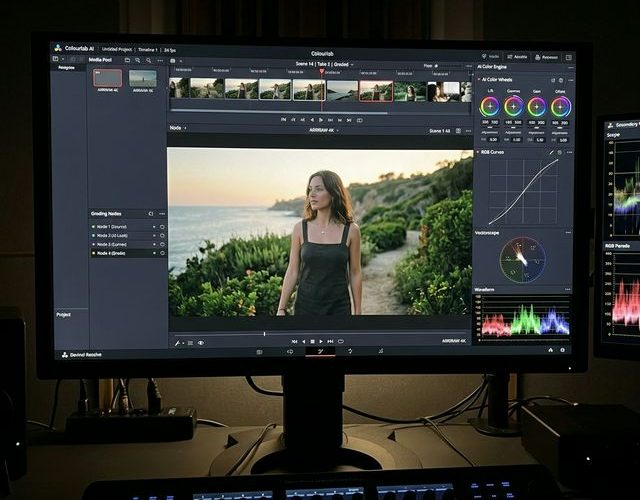
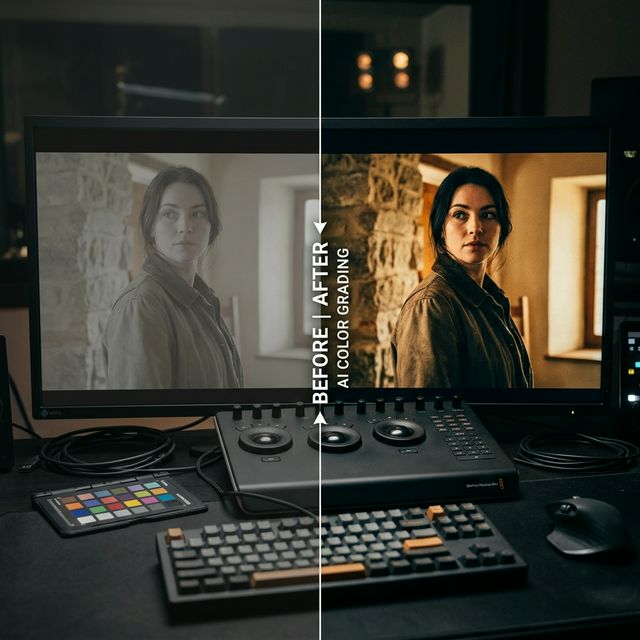
Colourlab AI is transforming the post-production landscape with its revolutionary AI-powered color grading software. Designed for filmmakers, colorists, and content creators, this cutting-edge tool uses artificial intelligence to automate and accelerate the color grading process, turning hours of manual work into minutes of intelligent automation.
Available as both a standalone desktop application and an OFX plugin compatible with DaVinci Resolve, Adobe Premiere Pro, and other major editing platforms, Colourlab AI bridges the gap between professional Hollywood-grade color science and accessible, everyday content creation.
How Colourlab AI Works
At its core, Colourlab AI uses machine learning algorithms trained on thousands of professionally graded films and videos. The software analyzes your footage and intelligently applies color corrections that match cinematic standards, all while preserving the natural look and feel of your original content.
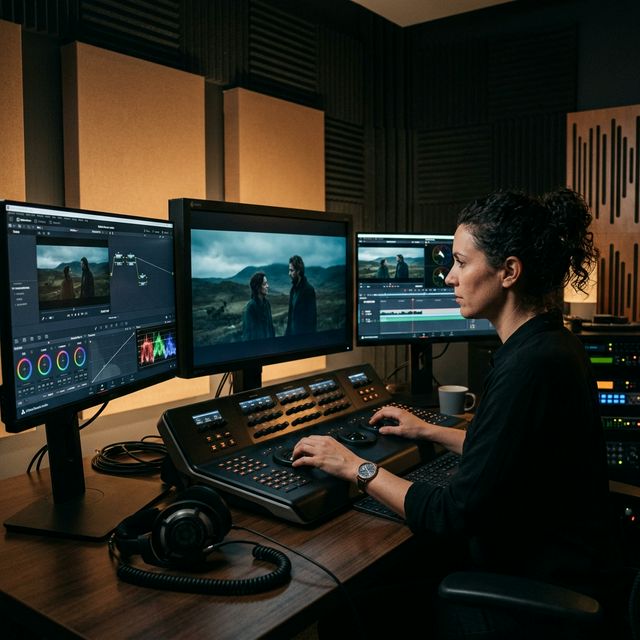
The AI engine can match shots across different cameras, lighting conditions, and time of day with remarkable accuracy. This shot-matching capability alone saves colorists hours of tedious work on multi-camera productions, interviews, and documentary projects.
Colourlab AI Pro Review – The Full Professional Suite
Colourlab AI Pro represents the ultimate toolkit for professional colorists. Beyond the AI-powered automatic grading, the Pro version includes film emulation that recreates the look of classic film stocks, texture emulation for adding organic film grain, and advanced look creation tools that let you build and save custom color profiles.
The Pro version supports all professional color spaces including ACES, Log, and RAW formats, making it suitable for high-end production workflows. The OFX plugin integration means you can use Colourlab AI directly within DaVinci Resolve without leaving your editing environment – a feature that users describe as a genuine game changer.
Version 3.5 brings a massive 22x speed improvement, making real-time AI color grading a reality even on moderately powerful hardware. All processing happens locally on your machine, ensuring your footage never leaves your computer – a critical consideration for productions under NDA or with sensitive content.
Who Should Use Colourlab AI
The Creator tier is perfect for YouTubers, social media creators, and editors who want fast, cinematic results without deep color science knowledge. It integrates directly into Premiere Pro and DaVinci Resolve, making it accessible to editors at any skill level.
The Pro tier is ideal for professional colorists, post-production houses, and filmmakers who need the full suite of look creation tools, film emulation, and advanced color space support. The time savings alone make it a worthwhile investment for anyone doing color work professionally.
Our Verdict
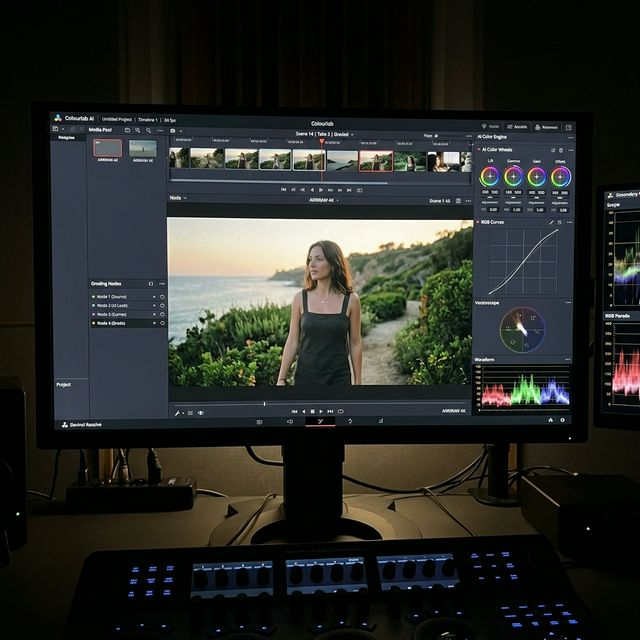
Colourlab AI is a genuinely innovative product that delivers on its promise of making professional color grading faster and more accessible. The AI-powered shot matching is remarkably accurate, and the film emulation in the Pro version produces results that rival dedicated film emulation plugins costing significantly more.
While it does not replace the artistic eye of an experienced colorist, it dramatically accelerates the technical aspects of color grading, freeing creators to focus on the creative decisions that truly matter. For anyone working with video content, Colourlab AI represents a smart investment that pays for itself in saved time within just a few projects.
Our Rating
Customer Reviews
Leave a review
No reviews yet. Be the first to leave a review!
Frequently Asked Questions
Yes, Colourlab AI offers a free Creator tier to get started. The Pro version with advanced features requires a paid subscription.
Yes, Colourlab AI works as an OFX plugin inside DaVinci Resolve, and also as a standalone desktop application.
Yes, all processing happens locally on your computer. Your footage never leaves your machine.
Version 3.5 is 22x faster than previous versions. Users report saving hours on projects that would take a full day to grade manually.